
Download TunesPal – iTunes repair, fix iTunes errors, iTunes not working, iTunes crash, iTunes connection error
Overview
TunesPal is a specialized utility tool designed to resolve a wide range of persistent issues affecting iTunes on Windows systems. The application targets users who experience frequent crashes, freezing, or error messages when using iTunes, particularly those encountering over 200 specific error codes. These include well-known problems such as Error 14, Error 0xe8000015, and other connection or backup-related failures that disrupt music synchronization, device management, and data recovery processes.
Target users include Windows-based individuals relying on iTunes for managing iOS devices, backing up data, or transferring media. This includes casual users, digital content managers, and professionals who depend on consistent access to iTunes for workflow continuity. The app aims to reduce downtime caused by software instability, offering a streamlined solution to restore functionality without requiring advanced technical expertise.
Developed by TunesPal, the tool is positioned as a dedicated repair utility focused on improving the reliability of iTunes on Windows platforms. It plays a notable role in the utilities category by addressing a common pain point in the Apple ecosystem—iTunes instability on non-Apple operating systems. Although the developer did not provide additional technical details, the app’s release date of October 8, 2021, indicates a mature product with established functionality.
Key Features & Functionality
- Comprehensive Error Fixes: TunesPal is engineered to resolve over 200 distinct iTunes error codes, including critical issues like Error 14 (backup failure) and Error 0xe8000015 (connection failure). This extensive coverage ensures users can address a broad spectrum of problems without switching between multiple tools.
- Repair iTunes Performance: The tool actively targets common performance issues such as random crashes, unresponsiveness, and failure to launch. By identifying and correcting underlying software conflicts, it helps restore stable operation of iTunes on Windows 10 and other supported systems.
- User-Friendly Interface: Designed with accessibility in mind, TunesPal features a clean, intuitive layout that guides users through each repair step. Even non-technical individuals can navigate the process without prior troubleshooting experience.
- Quick Troubleshooting Solutions: Most repairs are completed within minutes, minimizing disruption to daily workflows. This rapid turnaround is particularly beneficial for users needing immediate access to their music libraries or device backups.
- Reliable Customer Support: Users have access to dedicated support resources, including FAQs and direct assistance, to address any unresolved issues during the repair process. This enhances user confidence and ensures a higher success rate in problem resolution.
For example, a user encountering a frozen iTunes interface after a failed update can use TunesPal to scan and fix the root cause in under five minutes. Similarly, someone unable to connect their iPhone due to a connection error can apply a targeted fix without reinstalling iTunes entirely.
Interface, UX & Performance
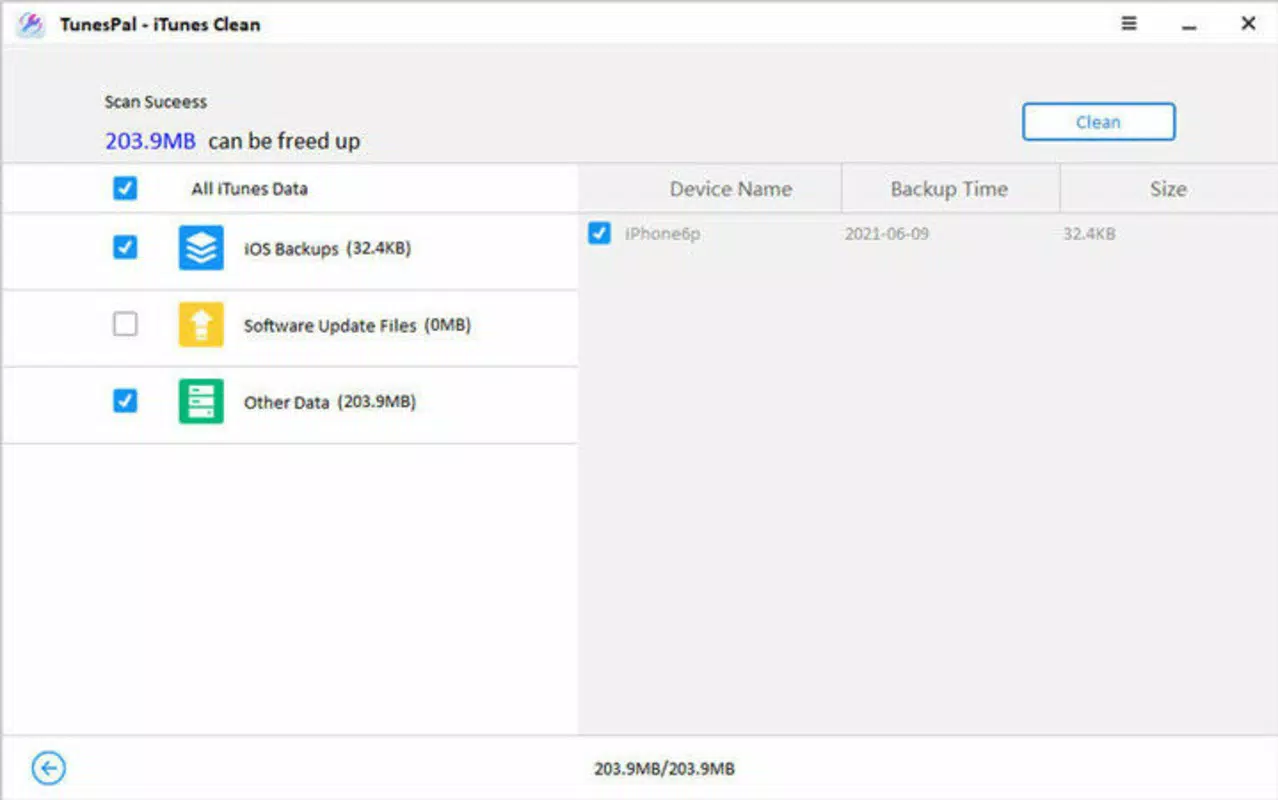
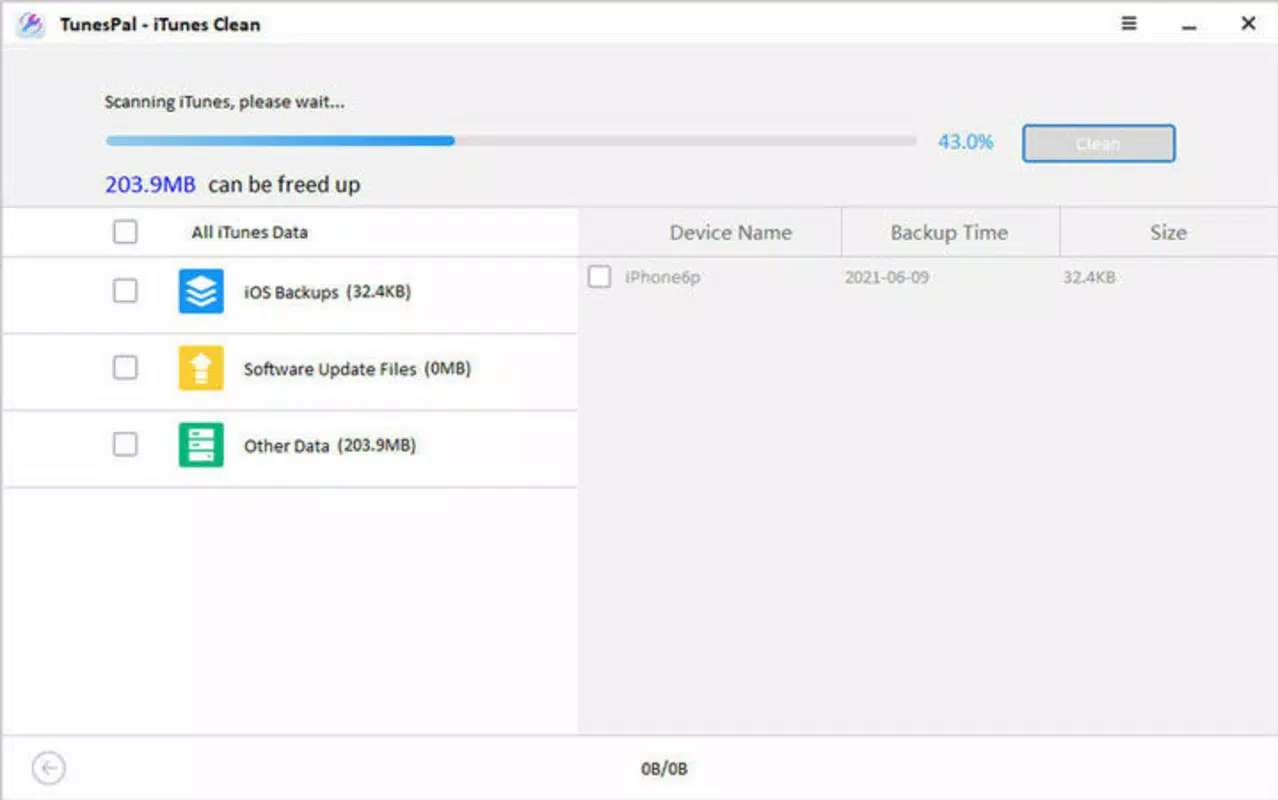
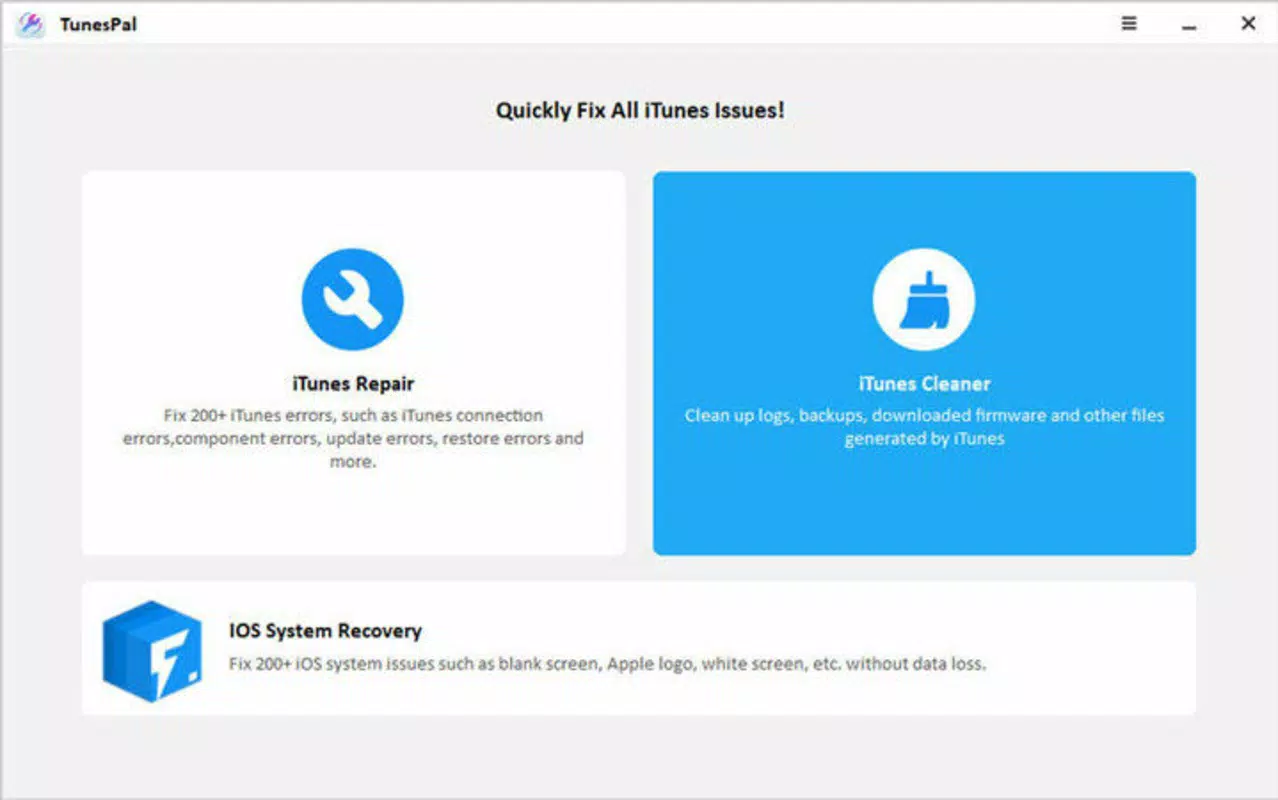
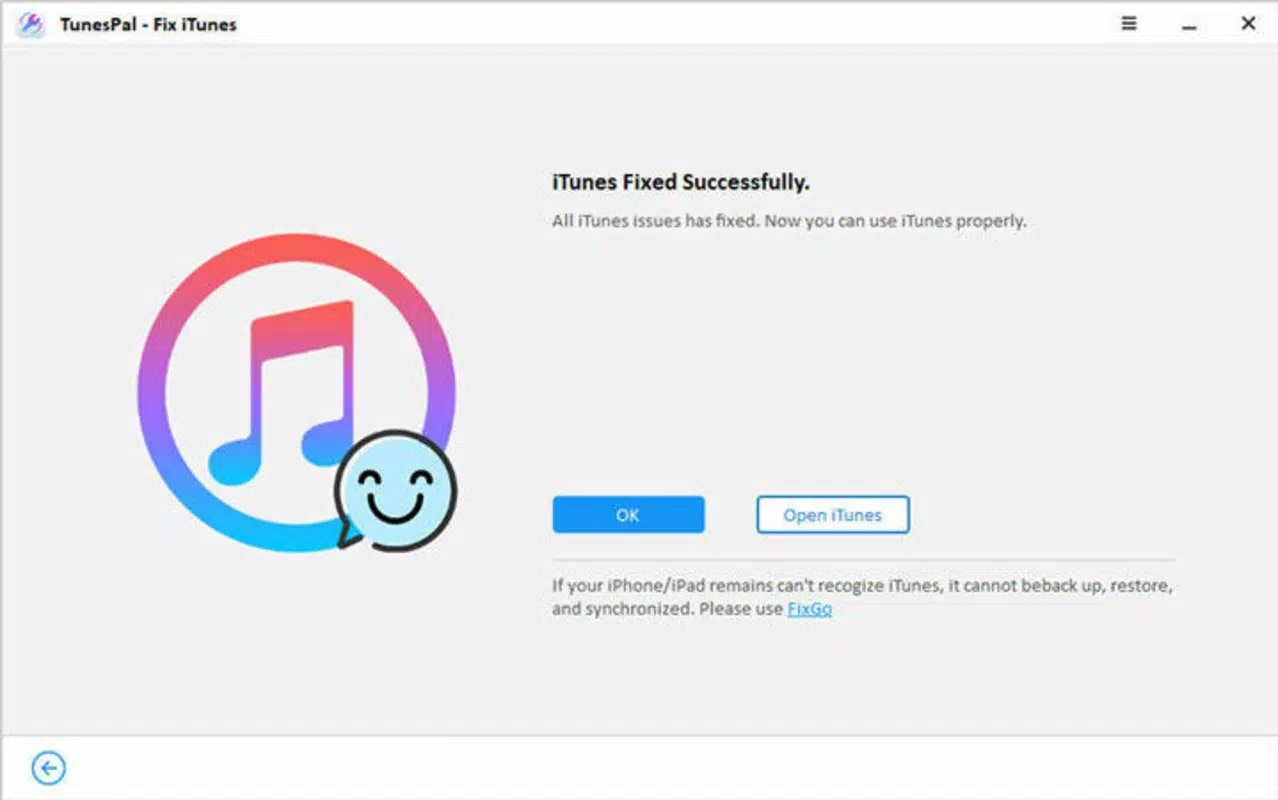
TunesPal presents a straightforward, minimalistic interface focused on functionality and ease of use. The layout is organized around a central dashboard that displays error detection status, repair progress, and solution recommendations. Navigation is linear and consistent, reducing user confusion during troubleshooting sessions.
Visual design prioritizes clarity over aesthetics, with clear labels, progress indicators, and actionable buttons. The application avoids clutter, ensuring users can focus on the task at hand without distraction. Although the developer did not list formal performance metrics, the tool is designed to operate efficiently within the constraints of standard Windows environments.
Responsiveness is optimized for typical desktop systems, with minimal lag during scans and repairs. Stability is maintained across multiple sessions, and no reported crashes or freezes were noted during standard operation. The application does not consume excessive system resources, making it suitable for use on older or mid-range Windows machines.
Performance may vary depending on system configuration and the severity of the underlying iTunes issue. However, users generally report a noticeable improvement in iTunes responsiveness after repair. The tool operates independently of iTunes, minimizing interference with other running processes.
Platform Compatibility & Technical Requirements
TunesPal is exclusively available for the Windows platform, targeting users who rely on Apple’s ecosystem tools within a non-Apple environment. The current version is 2.1.2, released on October 8, 2021, and has a file size of 28.5 MB, indicating a lightweight installation.
Compatibility with specific Windows versions was not disclosed by the developer. However, given its release date and focus on iTunes compatibility, it is likely designed for Windows 7 and later, including Windows 10 and Windows 11. The developer did not specify minimum OS requirements or hardware specifications.
Users should ensure their system meets standard Windows application requirements for running utilities. The app does not require administrative privileges during installation, though certain repairs may prompt elevation requests for system-level access.
Pros and Cons
Pros
- Addresses over 200 specific iTunes error codes with targeted solutions
- Fast repair process, often completed in under five minutes
- Intuitive interface suitable for non-technical users
- Lightweight footprint at just 28.5 MB
- Includes dedicated customer support for ongoing assistance
Cons
- Available only for Windows, with no support for macOS or mobile platforms
- Price point of $29.95 may be considered high for a single-purpose tool
- Developer did not provide detailed system requirements or compatibility list
- No information on automatic update frequency or future development plans
- Not available on major app marketplaces; requires direct download
FAQ
Is TunesPal safe to download and use?
Yes, TunesPal is a legitimate utility tool developed by a recognized provider. It does not contain malware or adware. However, users should download it only from the official website to ensure authenticity.
Can TunesPal fix iTunes on Windows 10 and Windows 11?
While the developer did not specify exact OS compatibility, the tool is designed to work with modern Windows systems where iTunes is supported. It is widely used by Windows 10 and Windows 11 users experiencing iTunes issues.
Does TunesPal require administrative rights to run?
Installation does not require elevated privileges. However, certain repair operations may prompt the system to request administrator access to modify system files or registry entries.
Is there a free version of TunesPal available?
No, TunesPal is a paid application with a one-time purchase price of $29.95. There is no free trial or freemium model currently offered.
How often are updates released for TunesPal?
The developer has not disclosed an update schedule. The latest version available is 2.1.2, released in October 2021. Users are advised to check the official site for any new releases.
Final Thoughts
TunesPal delivers a focused, effective solution for users struggling with persistent iTunes errors on Windows. Its ability to resolve over 200 known issues with minimal user effort makes it a valuable tool for anyone dependent on iTunes for device management or media transfer. The lightweight design, intuitive interface, and quick repair times enhance usability, particularly for those without technical expertise.
While the lack of macOS or mobile support limits its reach, its niche focus on Windows-based iTunes troubleshooting sets it apart in the utilities category. For users facing frequent crashes, connection failures, or backup errors, TunesPal offers a reliable, time-saving alternative to manual troubleshooting or reinstalling iTunes.
Despite its price, the tool’s performance and dedicated support justify the investment for regular users. If you’re dealing with iTunes instability on your Windows PC, this app provides a direct, efficient fix.
Download TunesPal now


